Peel 3D Scanner

Professional 3D scanning for reverse engineering and scan-to-print workflows

Capture existing parts, create usable 3D data, and move from scan to CAD to 3D printing on Sinterit printers.

From physical part to engineering-ready model

Use Peel 3D to capture existing parts, create usable 3D models, and integrate reverse engineering workflows with Sinterit 3D printers.
These models can then be used for 3D printing within Sinterit workflows based on Lisa X and SUZY printers, supporting prototyping, spare parts production, and end-use applications.
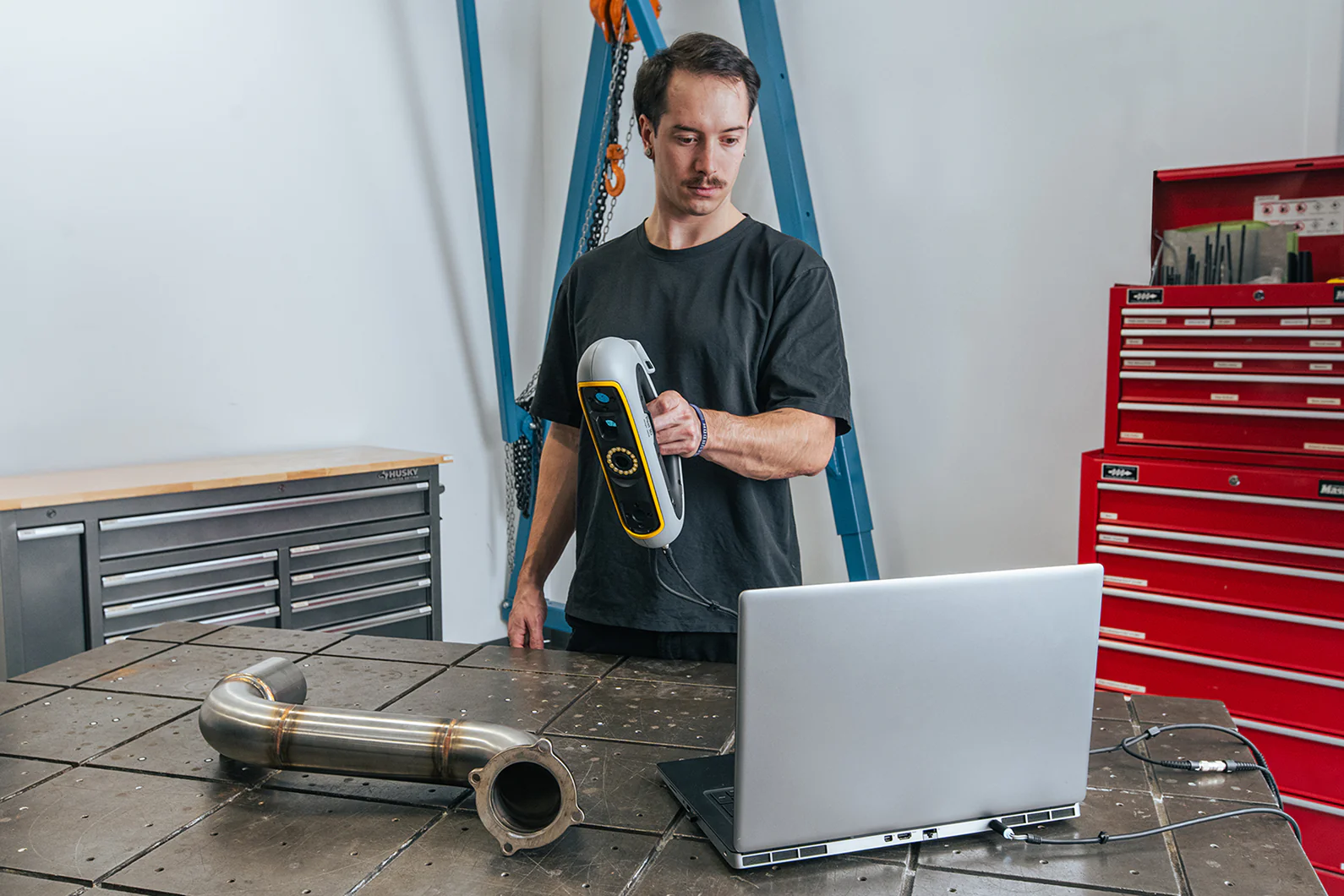
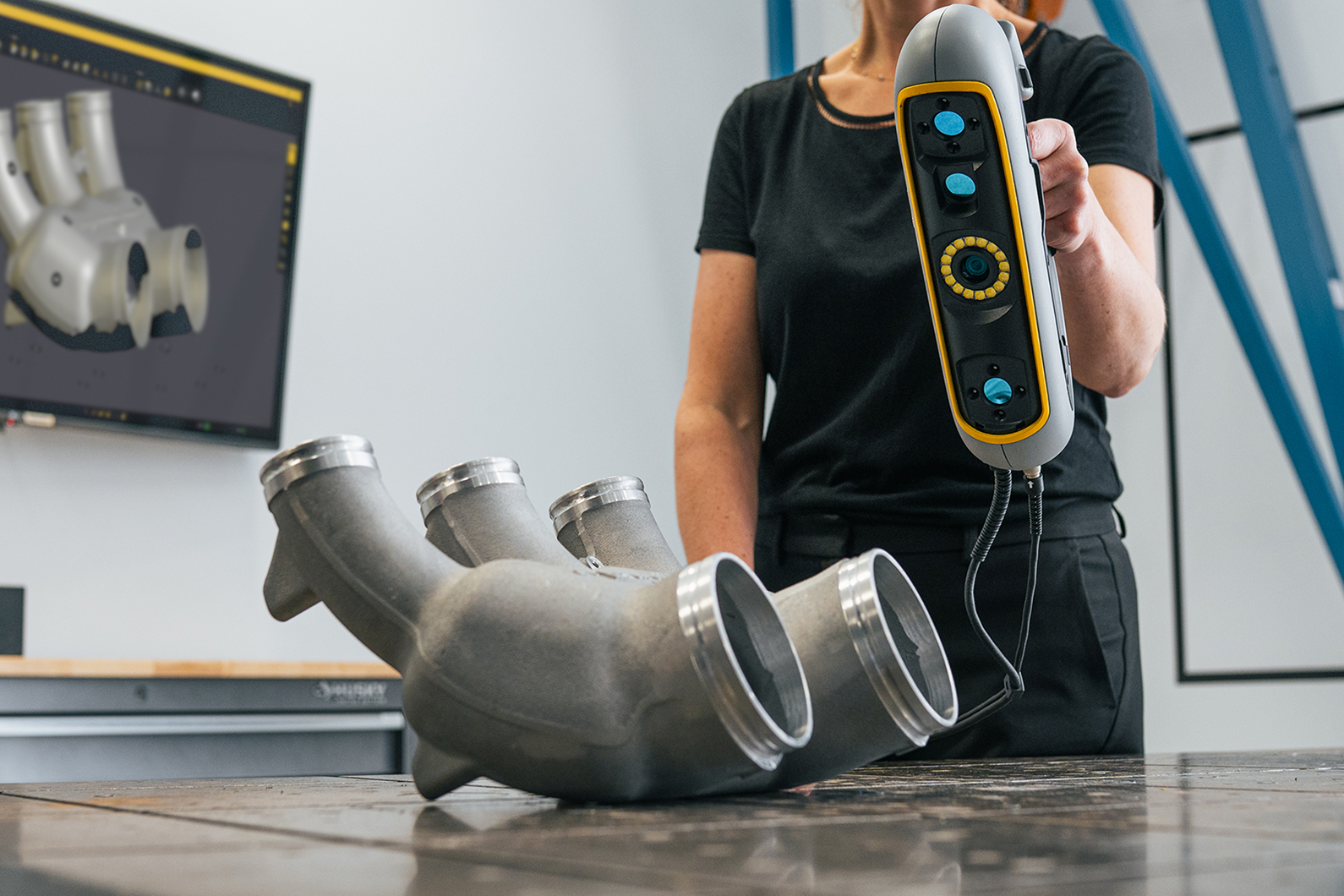
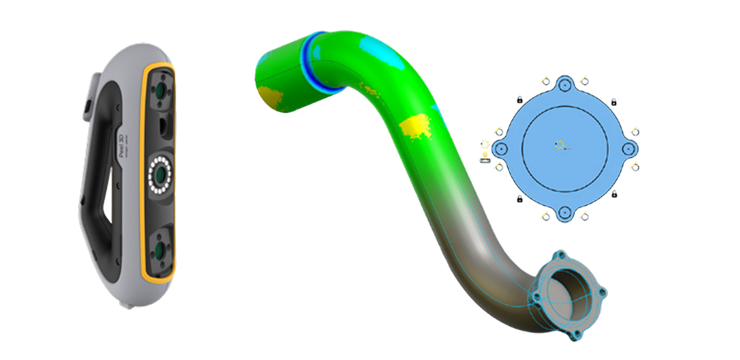
Peel 3D scanning pipe
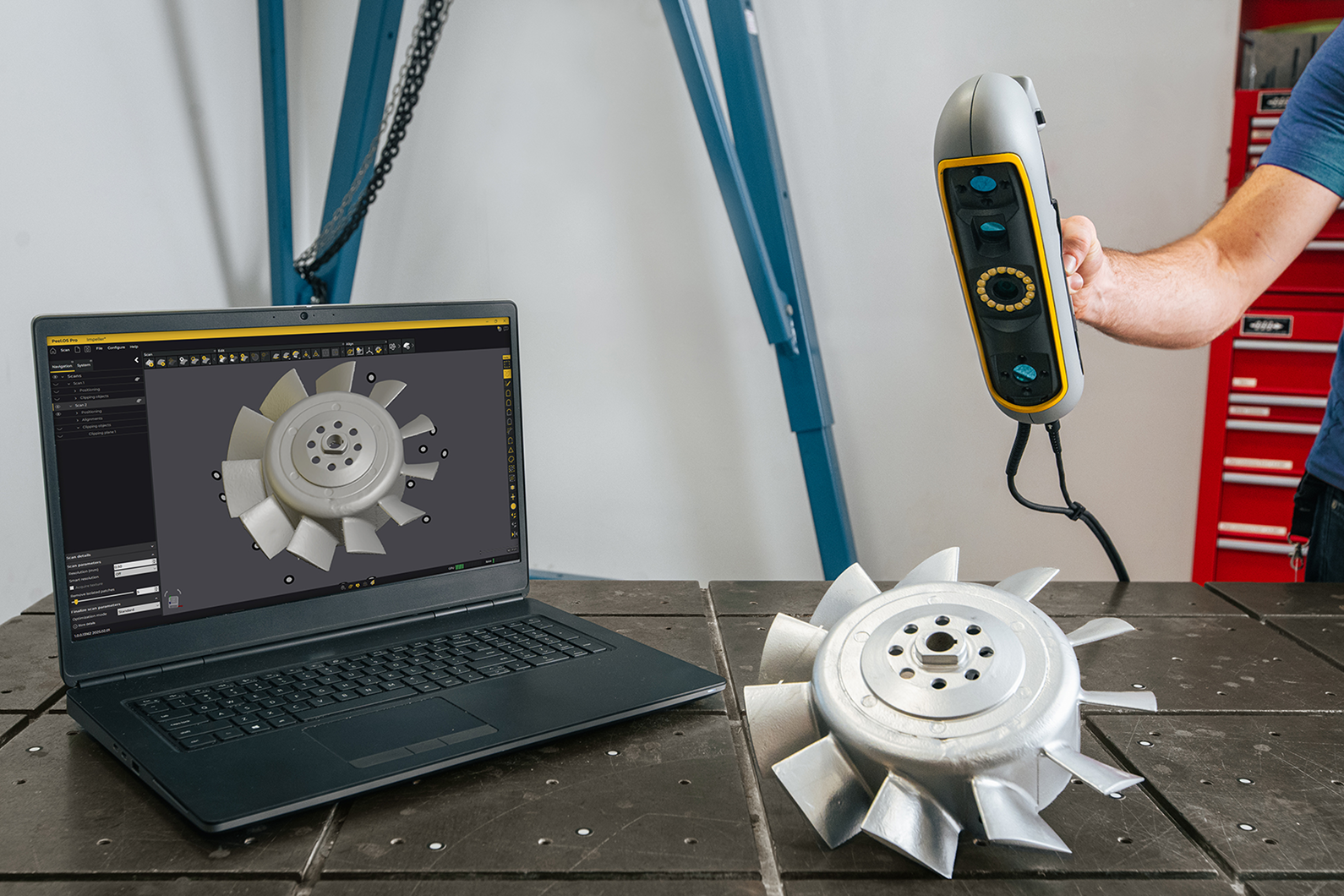
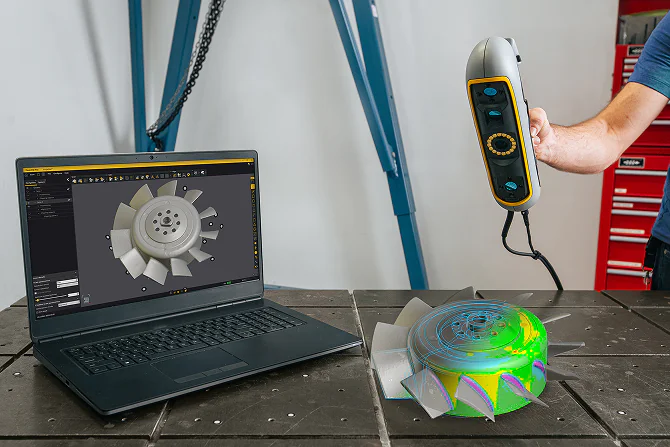
Peel 3D Scanning impeller
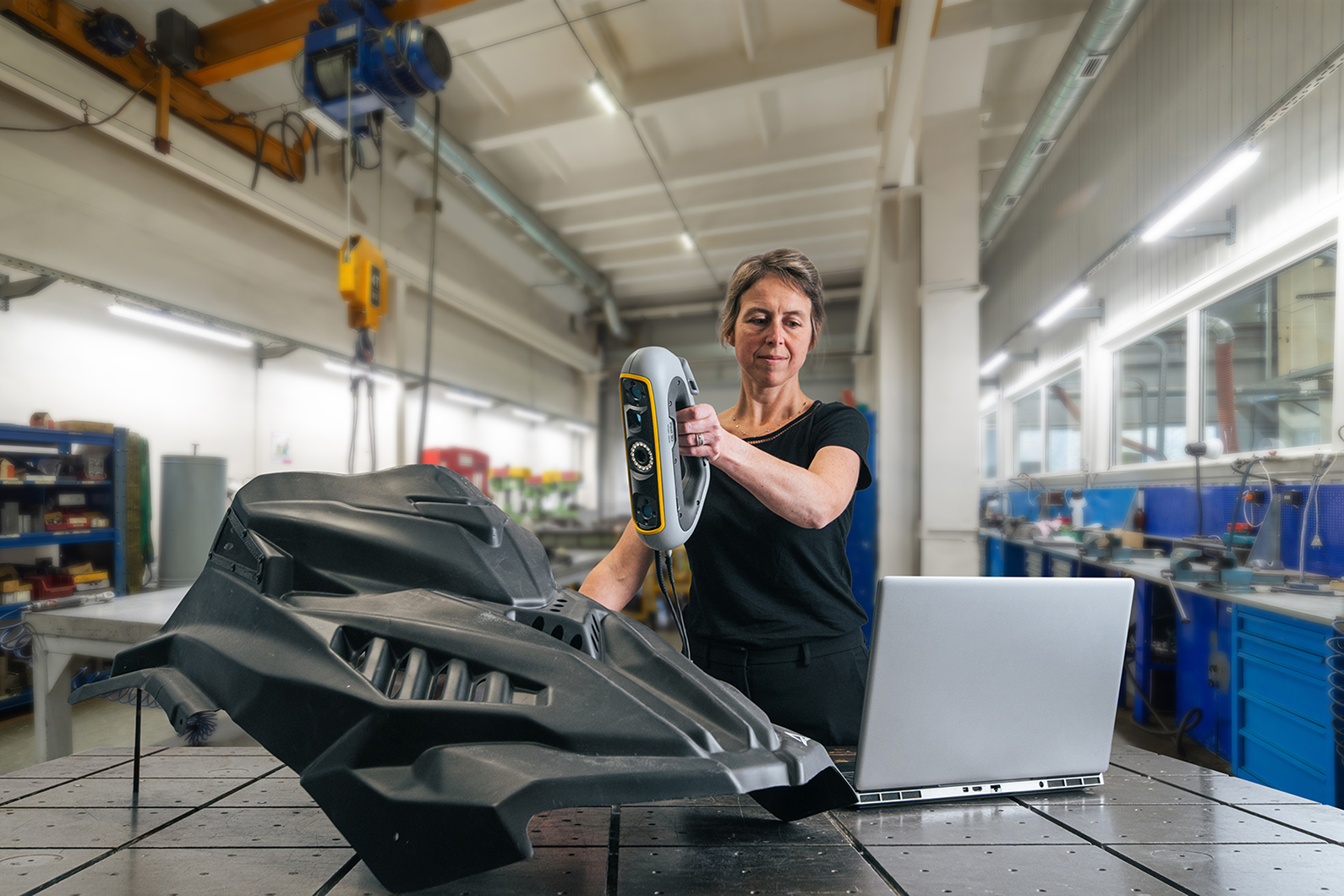
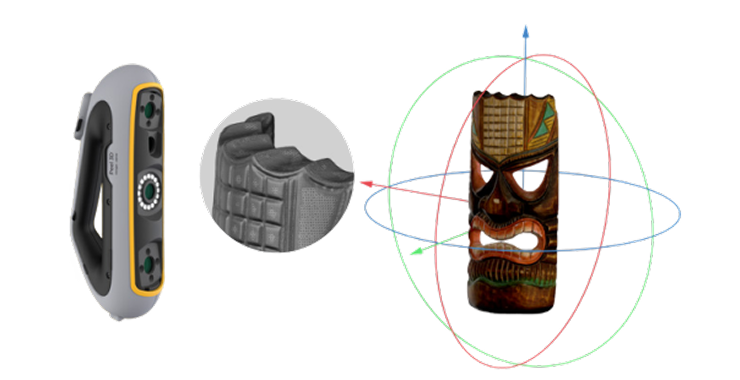
Peel 3D scanning motor sport plastic
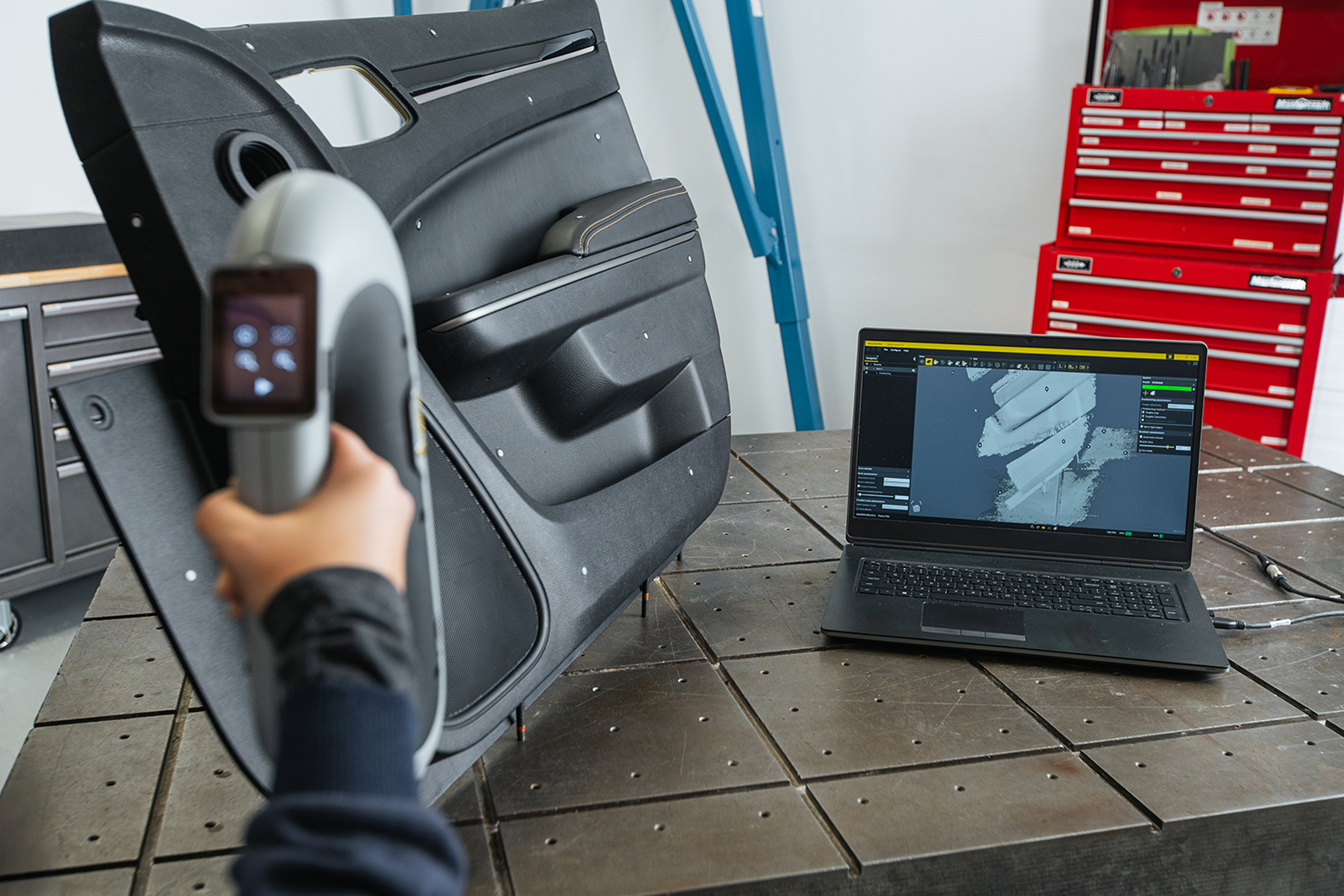
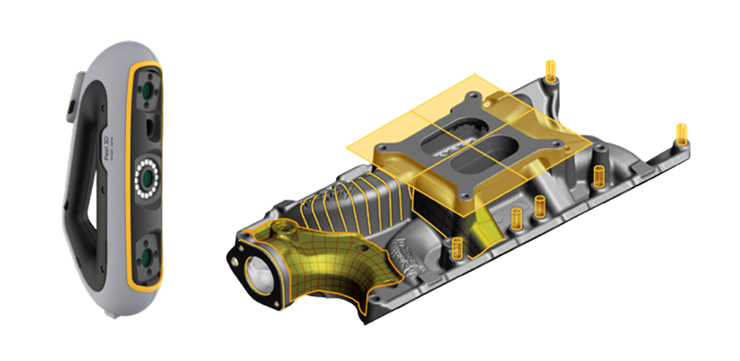
Peel 3D scanning car door interior
Peel 3D scanning pipe

Reliable capture

Capture complex physical parts with the accuracy, reliability, and repeatability required for engineering, redesign, and downstream digital workflows.

Reverse engineering ready

Extract usable geometry from existing components and streamline reverse engineering workflows without relying solely on manual measurements.

CAD-ready output

Convert scan data into usable models for CAD reconstruction, redesign, validation, and additive manufacturing workflows.

Peel 3D in a practical scan-to-print workflow

Scan existing parts
Capture physical components and create accurate 3D models for engineering and reverse engineering workflows.
Build CAD-ready models
Reconstruct usable geometry for CAD-driven development, redesign, and part validation.
Print with Lisa X / Suzy
Move from digital model to functional prototype, replacement part, or production support application.
Validate and iterate
Refine designs, verify fit, and improve parts before final production.

Choose the Peel 3D package that fits your workflow

Peel 3D is available in three solution levels, depending on whether you need fast 3D capture, CAD preparation, or advanced reverse engineering. All three options are built on the same professional 3D scanner – the difference lies in the software scope and the stage of the workflow they support.
This makes it easier to move from scanned geometry to printed parts using Sinterit 3D printers such as Lisa X and SUZY.

Peel 3

Capture physical parts with the accuracy, repeatability, and ease of use needed for day-to-day engineering, digital archiving, and 3D workflows.


Best for:


  • fast scanning

  • mesh generation

  • digital capture

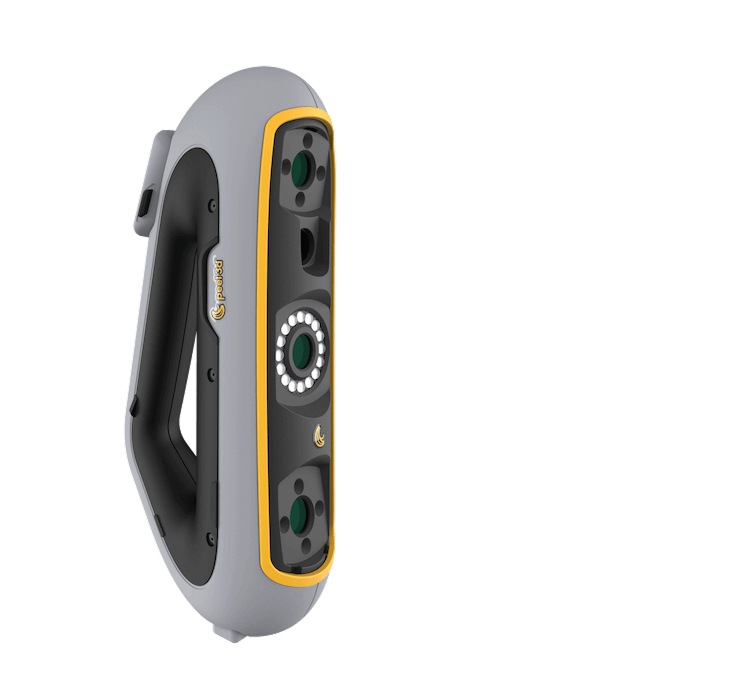
Peel 3 scanner

Peel 3.CAD

Extract usable geometric information from scan data and transfer it to your preferred CAD environment for redesign, product development, and engineering tasks.


Best for:


  • feature extraction

  • CAD preparation

  • engineering workflows

Peel 3.CAD scanner

Peel 3 Pro.CAD

Go beyond scanning with a more complete reverse engineering workflow designed to turn real-world parts into ready-to-use CAD models.


Best for:


  • advanced reverse engineering

  • modeling

  • CAD-ready output

Peel 3 Pro.CAD scanner
See Peel 3D in action

Technical specification

Dimensions
304 x 150 x 79 mm / 12 x 5.9 x 3.2 in
Weight
950 g / 2.1 lb
Scan speed
80 sec/m2 / 7.4 sec/ft2
Accuracy
up to 0.050 mm / 0.0020 in
Recommended object size
0.1 – 3.0 m / 0.3 – 10 ft
Measurement rate
1,250,000 measurements/s
Mesh resolution
0.250 mm / 0.01 in
Full specification (PDF)
Peel-3D-specification.pdf
Peel 3 Scanning impeller

Overcome Your Challenge with the Right 3D Printer

  • Costs of investment

  • Return of investment

  • After Sales Support

  • Printouts Quality

  • Available Materials

We are determined to help you!

Let experienced experts and engineers help you make the decision


FAQ

What is the difference between Peel 3, Peel 3.CAD, and Peel 3 Pro.CAD?

Peel 3 is focused on reliable 3D scanning and mesh output. Peel 3.CAD adds tools that support reverse engineering workflows and transfer to CAD software. Peel 3 Pro.CAD is the most advanced option, designed for converting scan data into ready-to-use CAD models.

How do I choose the right Peel 3D package for my workflow?

Choose Peel 3 if you mainly need fast, professional 3D capture and mesh data. Choose Peel 3.CAD if you want to extract geometry and continue your work in CAD software. Choose Peel 3 Pro.CAD if your workflow requires more advanced reverse engineering and CAD model creation.

Which Peel 3D package is best for reverse engineering?

Peel 3.CAD is a strong fit for reverse engineering workflows, while Peel 3 Pro.CAD is the best option for more advanced projects that require converting scan data into ready-to-use CAD models.

How does Peel 3D fit into a scan-to-print workflow with Sinterit?

Peel 3D can be used to scan an existing part, prepare usable 3D data or CAD-ready geometry depending on the selected package, and then continue into additive manufacturing workflows. That connects to printing on Sinterit 3D printers such as Lisa X and SUZY.

Can Peel 3D be used to create models for 3D printing?

Yes. Peel 3D can be used to capture existing parts, generate usable 3D data, and support the creation of models that can move into downstream digital and additive manufacturing workflows. The scanner outputs common mesh formats such as STL, OBJ, PLY, and 3MF.

Can scanned parts be prepared for printing on Lisa X and SUZY?

Yes. The scanned data can be turned into usable models for prototyping, spare parts, and production-support applications, and then used in Sinterit printing workflows. For more advanced reconstruction, the CAD-oriented packages extend that process further.

What output formats does Peel 3D support?

Peel 3 supports output formats including .dae, .fbx, .ma, .obj, .ply, .stl, .txt, .wrl, .x3d, .x3dz, .zpr, .dxf, and .3mf. IGES and STEP exports are available with the CAD packages.

What level of accuracy does Peel 3D offer?

Peel 3D offers accuracy up to 0.050 mm and volumetric accuracy of 0.050 mm + 0.100 mm/m.

Can Peel 3D export data for CAD software?

Yes. IGES and STEP export are available with Peel 3.CAD and Peel 3 Pro.CAD, which makes those packages the right choice for CAD-oriented workflows.

What types of parts can be scanned with Peel 3D?

The recommended object size is 0.1 to 3.0 m, which makes the scanner suitable for a wide range of engineering parts and components. The materials also position it for applications such as product design, aftermarket, MRO, engineering, healthcare, education, and heritage preservation.

Is Peel 3D suitable for engineering and product development teams?

Yes. The product is a professional-grade 3D scanner, that offers accuracy, reliability, and repeatability, with workflows that support product design, MRO, engineering, aftermarket, and reverse engineering.

Resources

Pricing

Below there are approximate costs for some example models.
Be aware that the quotation assumes that there is only one piece printed. In SLS technology, the cost per part will be much lower with a higher number of elements printed at once.
  • Flexible
  • Standard
Model
Dimensions
PA12
Smooth
PA11
Onyx
Flexa
Grey
Flexa
Soft
TPE
Below
Model volume:
Model volume:
Total print height:
6.82 cm
Dimensions:
65 x 65 x 63 mm
51,30 €
51,30 €
51,30 €
51,30 €
51,30 €
51,30 €
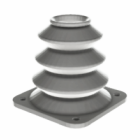
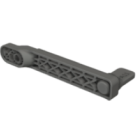
Crank
Model volume:
28.12 cm^3
Total print height:
6.82 cm
Dimensions:
65 x 65 x 63 mm
49,90 €
49,90 €
49,90 €
49,90 €
49,90 €
49,90 €
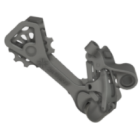
Derailleur
Model volume:
28.12 cm^3
Total print height:
6.82 cm
Dimensions:
65 x 65 x 63 mm
71,80 €
71,80 €
71,80 €
71,80 €
71,80 €
71,80 €
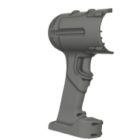
Driller housing
Model volume:
28.12 cm^3
Total print height:
6.82 cm
Dimensions:
65 x 65 x 63 mm
157 €
157 €
157 €
157 €
157 €
157 €
Model
Dimensions
PA12
Smooth
PA11
Onyx
Flexa
Grey
Flexa
Soft
TPE
Crank
Model volume:
28.12 cm^3
Model volume:
28.12 cm^3
Model volume:
28.12 cm^3
51,30 €
51,30 €
51,30 €
51,30 €
51,30 €
Crank
Model volume:
28.12 cm^3
Model volume:
28.12 cm^3
Model volume:
28.12 cm^3
51,30 €
51,30 €
51,30 €
51,30 €
51,30 €
51,30 €
Crank
Model volume:
28.12 cm^3
Model volume:
28.12 cm^3
Model volume:
28.12 cm^3
51,30 €
51,30 €
51,30 €
51,30 €
51,30 €
51,30 €
Crank
Model volume:
28.12 cm^3
Model volume:
28.12 cm^3
Model volume:
28.12 cm^3
51,30 €
51,30 €
51,30 €
51,30 €
51,30 €
51,30 €
Crank
Model volume:
28.12 cm^3
Model volume:
28.12 cm^3
Model volume:
28.12 cm^3
51,30 €
51,30 €
51,30 €
51,30 €
51,30 €
51,30 €
Crank
Model volume:
28.12 cm^3
Model volume:
28.12 cm^3
Model volume:
28.12 cm^3
51,30 €
51,30 €
51,30 €
51,30 €
51,30 €
51,30 €

Get a free sample box

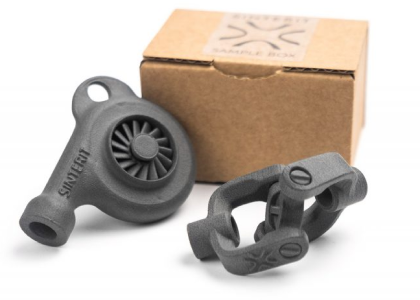
Universal joint + turbine
The free samplebox contains two printouts made from PA12 Smooth. They are both movable designs, and each one is printed in one piece.

These are examples showing high precision and freedom of design ensured by SLS technology.
order free sample box
Mamy też advanced samples orci varius natoque penatibus et magnis dis parturient montes, nascetur
ridiculus mus. Aliquam id placerat nunc. Integer viverra, arcu vel feugiat viverra, dui purus sodales libero.
SEE ADVANCED samples
This product includes GeoLite2 data created by MaxMind, available from https://www.maxmind.com.